
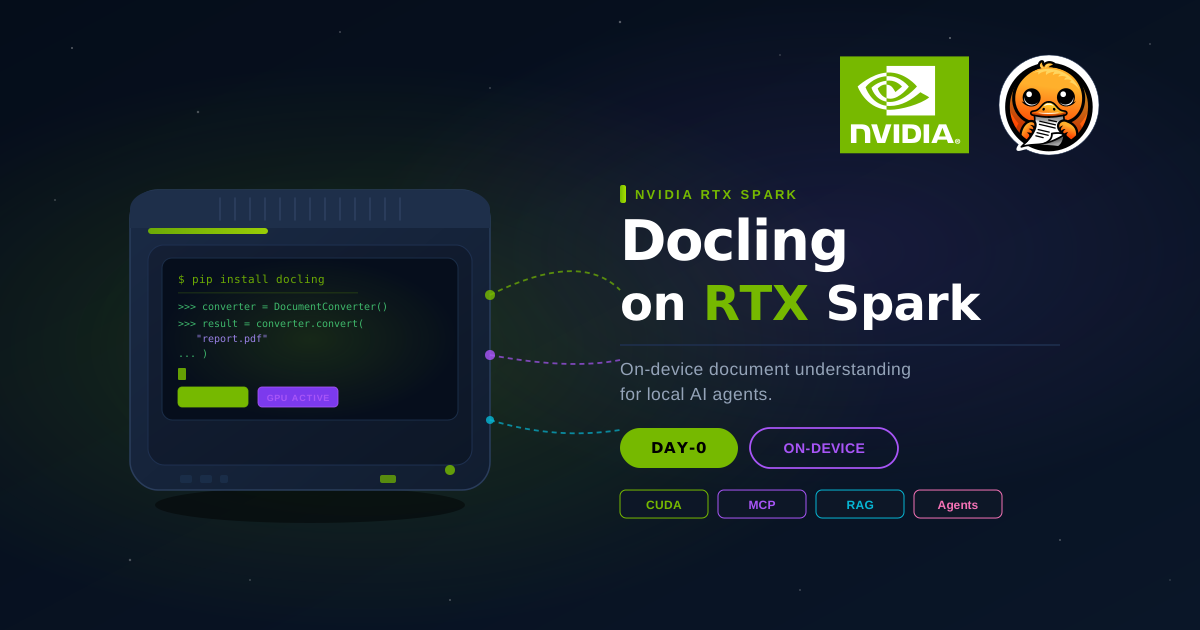
Docling on NVIDIA RTX Spark — Day-0 Support for On-Device AI
A new class of AI device
NVIDIA's RTX Spark is a compact, PC-class device built around the same CUDA stack that powers cloud-scale AI infrastructure. What makes it notable is not just raw capability — it is the continuity it offers across the full AI development lifecycle. You can prototype, fine-tune, and run inference on a single machine, without swapping between devices or shipping workloads to the cloud mid-session.
The AI ecosystem has rallied around it quickly. Platforms like Unsloth, LM Studio, and Ollama already support on-device model execution on RTX Spark. And NVIDIA called out Docling by name as one of the tools that benefits from on-board systems — making day-0 readiness not just a goal but an expectation.
We took that seriously. From the moment RTX Spark devices ship, Docling runs on them without any configuration changes.
Why on-device document understanding matters for agents
The shift toward agentic AI workflows has a document problem. Agents that can plan, reason, and call tools are only as useful as the context they can access — and a large share of enterprise knowledge lives in PDFs, presentations, spreadsheets, and scanned documents that models cannot read directly. Docling solves this: it converts those formats into structured, agent-ready representations that preserve layout, tables, headings, and reading order.
Until now, running that conversion locally meant either accepting CPU-only performance or maintaining a separate GPU-equipped machine. RTX Spark changes the equation. With a full CUDA stack on-device, Docling can run its GPU-accelerated pipelines — including OCR, table structure detection, and vision-language model backends — directly on the same machine where the agent is running.
That means a local agent stack on RTX Spark can look like this:
- Model Execution: Ollama, LM Studio, or vLLM serves open models locally with full CUDA acceleration.
- Document Understanding: Docling parses PDFs, DOCX, PPTX, and scanned images into rich, structured Markdown or JSON.
- Agent Orchestration: Autonomous local harnesses like Hermes Agent, pi, OpenHands, or Goose plan, execute code, call tools, and interact with files.
The entire loop runs on-device: no cloud dependency, no latency from remote document transfers, and zero privacy exposure for sensitive local data.
Setting up GPU acceleration on Windows & RTX
Day-0 support means Docling's pipeline works on RTX hardware with GPU acceleration active where it matters — accelerating OCR, layout analysis, table structure recognition, and vision models.
To ensure PyTorch utilizes CUDA acceleration on Windows or Linux RTX devices instead of defaulting to CPU wheels, install PyTorch with the CUDA wheel index before or alongside Docling:
# Install PyTorch with CUDA support (e.g. CUDA 13.2)
pip install torch torchvision torchaudio --index-url https://download.pytorch.org/whl/cu132

# Install Docling
pip install docling
Verify that CUDA is detected:
import torch
print(f"CUDA available: {torch.cuda.is_available()}")
print(f"Device: {torch.cuda.get_device_name(0) if torch.cuda.is_available() else 'None'}")
Once installed, Docling automatically detects and leverages your RTX GPU:
from docling.document_converter import DocumentConverter

converter = DocumentConverter()
result = converter.convert("report.pdf")
print(result.document.export_to_markdown())
Equipping local agent harnesses with Docling skills
Running models and tools locally on RTX Spark is only half the battle — your local coding agents and agent harnesses also need to know how to use Docling correctly.
Whether you are using self-hosted autonomous agent frameworks like Hermes Agent (by Nous Research), pi, and OpenHands, or interactive coding assistants like Cursor, Codex, and Claude Code, agents perform best when provided with dedicated, curated instructions. Rather than relying on outdated model priors or trial-and-error API calls, Docling ships a usage skill bundled directly inside its Python package.
Auto-discovering skills with library-skills
You can use library-skills to scan your project's environment and install symbolic links directly into your agent's skills directory:
# For Hermes Agent, pi, OpenHands, Codex, Cursor, Copilot, and other .agents/ compatible harnesses
uvx library-skills
Because library-skills creates symlinks pointing to the package internals, the skills update automatically whenever you upgrade docling.
Example prompts powered by Docling skills
Once the skill is linked, your local agent harness automatically knows how to call Docling's CLI, configure pipeline options, chunk documents, and run structured extractions without hallucinating APIs. You can prompt your agent with high-level document tasks such as:
- "Convert all PDF quarterly reports in
./data/with CUDA acceleration enabled and export them to Markdown with table structures preserved." - "Build a local RAG ingestion pipeline that chunks
./manuals/system-guide.pdfusing Docling'sHybridChunkerand indexes it into our local vector store with page-level citations." - "Extract key contract metadata and line-item tables from
./agreements/vendor-contract.pdfinto a typed Pydantic schema using Docling." - "Batch-convert all presentation decks (
.pptx) and specs (.docx) in./specs/to structured Markdown and generate a consolidated summary."
The agent loads the relevant Docling instructions on demand, writes the correct code, and executes it directly against your local RTX environment.
Connecting via Model Context Protocol (MCP)
For runtime agent interactions, Docling also provides an MCP server. Start it via uvx and connect any MCP-compatible agent host:
uvx --from docling-mcp docling-mcp-server --transport stdioThrough MCP tools, local agents can dynamically convert documents, inspect layout elements, extract tables, and construct structured artifacts completely on-device.
A note on hybrid workflows
Not every workload needs to be entirely local. RTX Spark is designed for flexibility: you can run the latency-sensitive or privacy-sensitive parts of a pipeline on-device and route other elements to the cloud when scale or cost make that the right call.
Docling supports this naturally. The same DocumentConverter API works against a local ML stack, a self-hosted docling-serve endpoint, or the managed Docling for IBM watsonx service. Switching between them is a configuration change, not a code change — so a pipeline that runs fully local on RTX Spark during development can scale out to a cloud service in production without rewriting the document processing layer.